
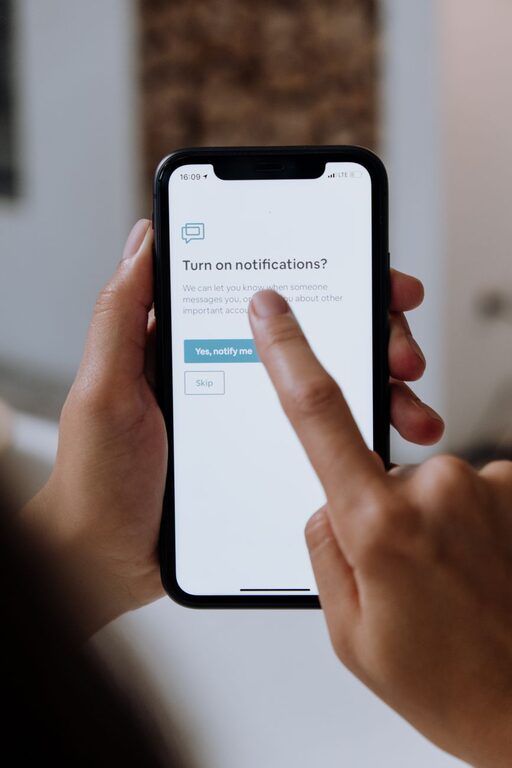
In today’s digital world, notifications can be both helpful reminders and constant interruptions. Whether on your phone, computer, or tablet, frequent alerts can disrupt your concentration, increase stress, and make it harder to focus on important tasks. Setting clear boundaries with notifications is essential for maintaining productivity and preserving your mental well-being.
In this post, we’ll explore practical tips you can use to regain control over your notifications, reduce distractions, and create a healthier balance between staying informed and staying focused.
Why Setting Boundaries with Notifications Matters
Notifications are designed to grab your attention, often instantly. But when they come in too frequently or at inopportune times, they can fragment your day. This can lead to:
– Reduced productivity due to constant task switching
– Increased stress and anxiety
– Difficulty relaxing during personal time
– Impaired sleep quality if notifications occur late at night
By setting boundaries, you can minimize these downsides and ensure your devices serve you, not the other way around.
Tips for Managing Notifications Effectively
1. Audit Your Notifications Regularly
Start by reviewing which apps and services send you notifications. On most devices, you can see a list of apps with notification permissions.
– Disable notifications for apps that aren’t essential
– Prioritize notifications from apps related to work, family, or urgent matters
– Consider whether the information is worth interrupting your focus or downtime
This audit helps you clear out unnecessary alerts that clutter your attention.
2. Customize Notification Settings for Each App
Many apps allow you to choose what kind of notifications you receive and how often.
– Turn off sound or vibration alerts if they’re not needed
– Use “silent” notifications that only appear when you check your device
– Adjust settings to receive summaries instead of individual notifications
Customizing alerts lets you stay informed without constant disruptions.
3. Use “Do Not Disturb” and Focus Modes
Most smartphones and computers feature modes that limit notifications during specific times.
– Schedule “Do Not Disturb” during meetings, focused work, or sleep
– Enable focus modes that only allow notifications from priority contacts or apps
– Use these modes consistently to protect your attention and rest
This helps create predictable boundaries around your availability.
4. Set Specific Times to Check Notifications
Instead of reacting immediately, allocate certain times in your day for checking alerts.
– Check notifications at set breaks or after completing a task
– Avoid keeping devices within arm’s reach during focused work
– Use techniques like Pomodoro to balance work and notification checks
This habit reduces impulsive interruptions and builds focus.
5. Turn Off Non-Essential Notifications at Night
Nighttime interruptions can impact sleep and next-day focus.
– Set your device to silence notifications during bedtime
– Disable alerts from social media, games, and news before sleep
– Use apps that filter outgoing alerts based on time of day
Better sleep supports overall health and work performance.
6. Communicate Your Notification Preferences
Let colleagues, friends, and family know how and when you prefer to be contacted.
– Share your work hours or “quiet” periods
– Encourage using alternative communication methods for urgent matters
– Set expectations about response times
Clear communication reduces misunderstandings and helps people respect your boundaries.
7. Use Technology Tools to Manage Notifications
Several apps and device settings can help automate notification management.
– Use notification summaries on iOS or Android to group alerts
– Explore apps that block distracting notifications temporarily
– Employ email filters to reduce unimportant message alerts
Leveraging technology can make managing boundaries easier.
The Benefits of Setting Notification Boundaries
By taking control of your notifications, you can experience:
– Increased concentration and deeper work sessions
– Reduced stress from fewer interruptions
– More meaningful engagement with people around you
– Better sleep and relaxation during downtime
The effort to adjust notification settings and habits pays off in improved well-being and productivity.
Conclusion
Notifications can be valuable tools when managed thoughtfully. By auditing your alerts, customizing settings, using focus modes, scheduling check-ins, and communicating preferences, you can create healthy digital boundaries. These small changes can lead to significant improvements in your day-to-day focus, stress levels, and overall balance between technology and life.
Try implementing some of these tips today and notice how your relationship with notifications changes for the better. Remember, the goal is to make your devices work for you, not the other way around.